Advanced WordPress & E-commerce Website Development *Powered by Top AI Tools

Course Details
Instructor

Vishnu Nagarajan
Training Type
Level
Duration
Type
Get Mentored by Professionals from Top Global Companies






By the end of the course, students will be able to:
-
Design websites using Divi Page Builder
-
Build e-commerce stores using WooCommerce
-
Use AI tools to generate content, images, and layouts
-
Create professional websites faster using AI-assisted workflows.
You will be able to built these Under 8hrs
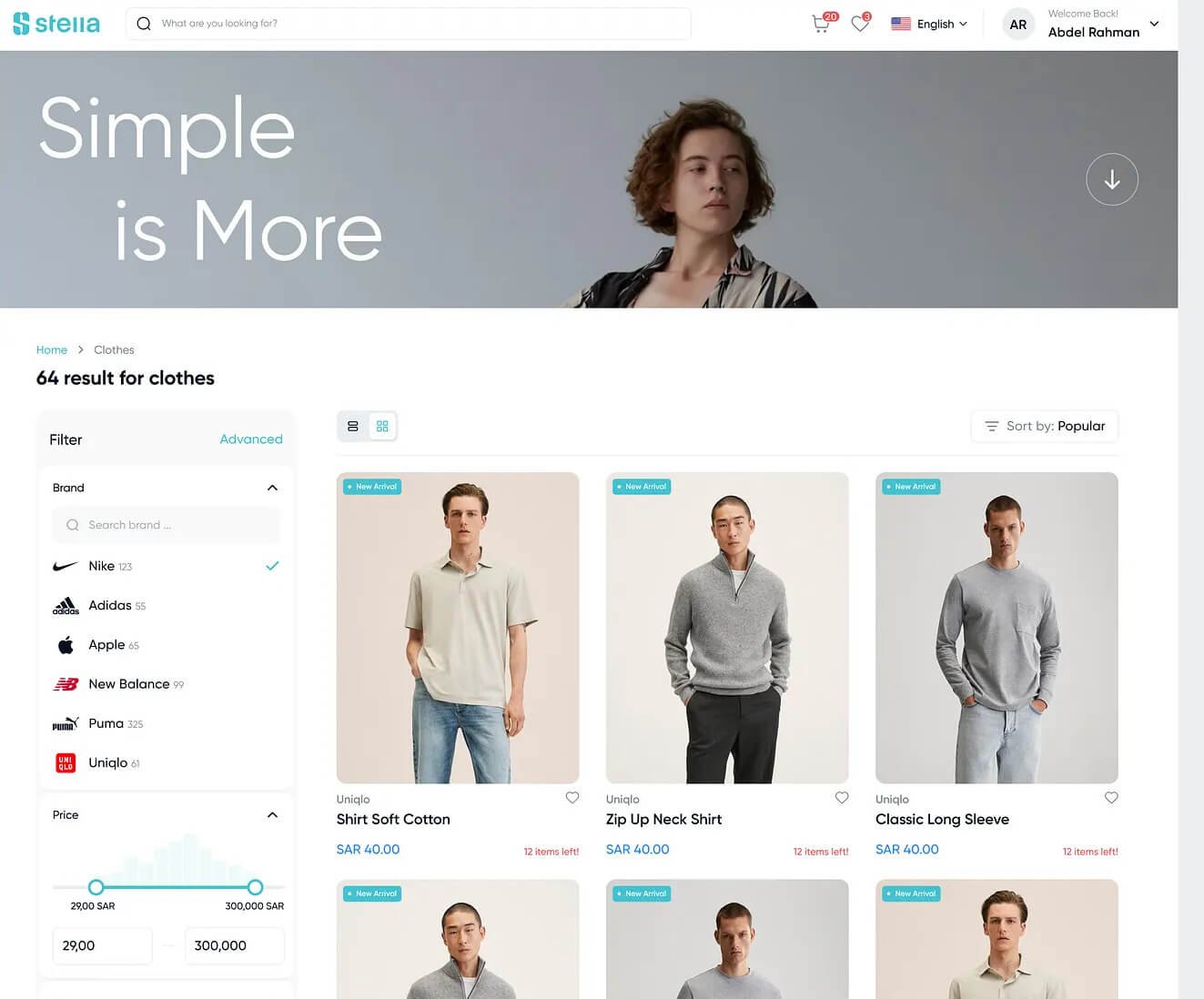
E-commerce Website
You will learn how to build, customize, and manage online stores using WooCommerce and essential plugins. It covers everything from product setup to payment gateways and order management
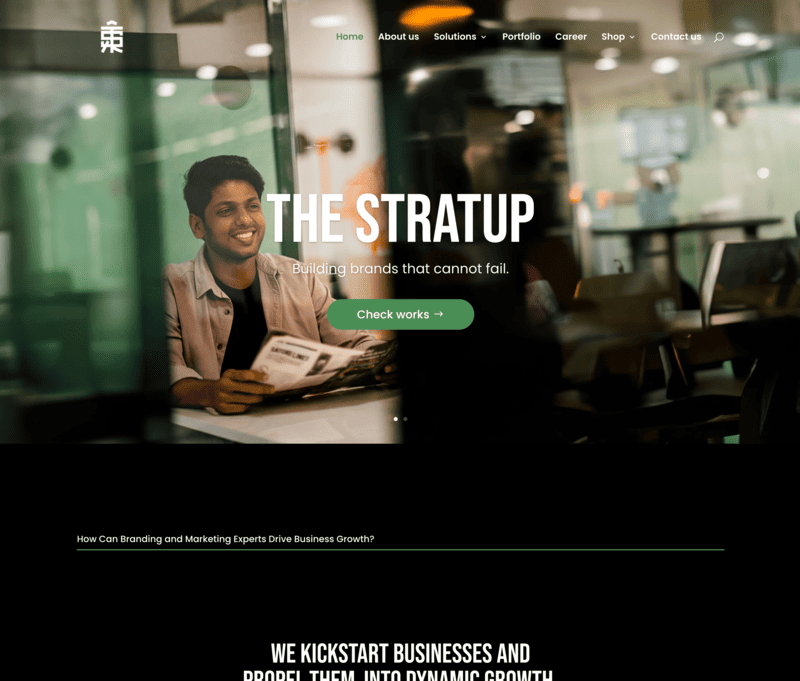
Business/Corporate Website
You will learn how to create a professional business/corporate website using WordPress, including designing pages, showcasing services, integrating contact forms, and optimizing for branding and client trust.
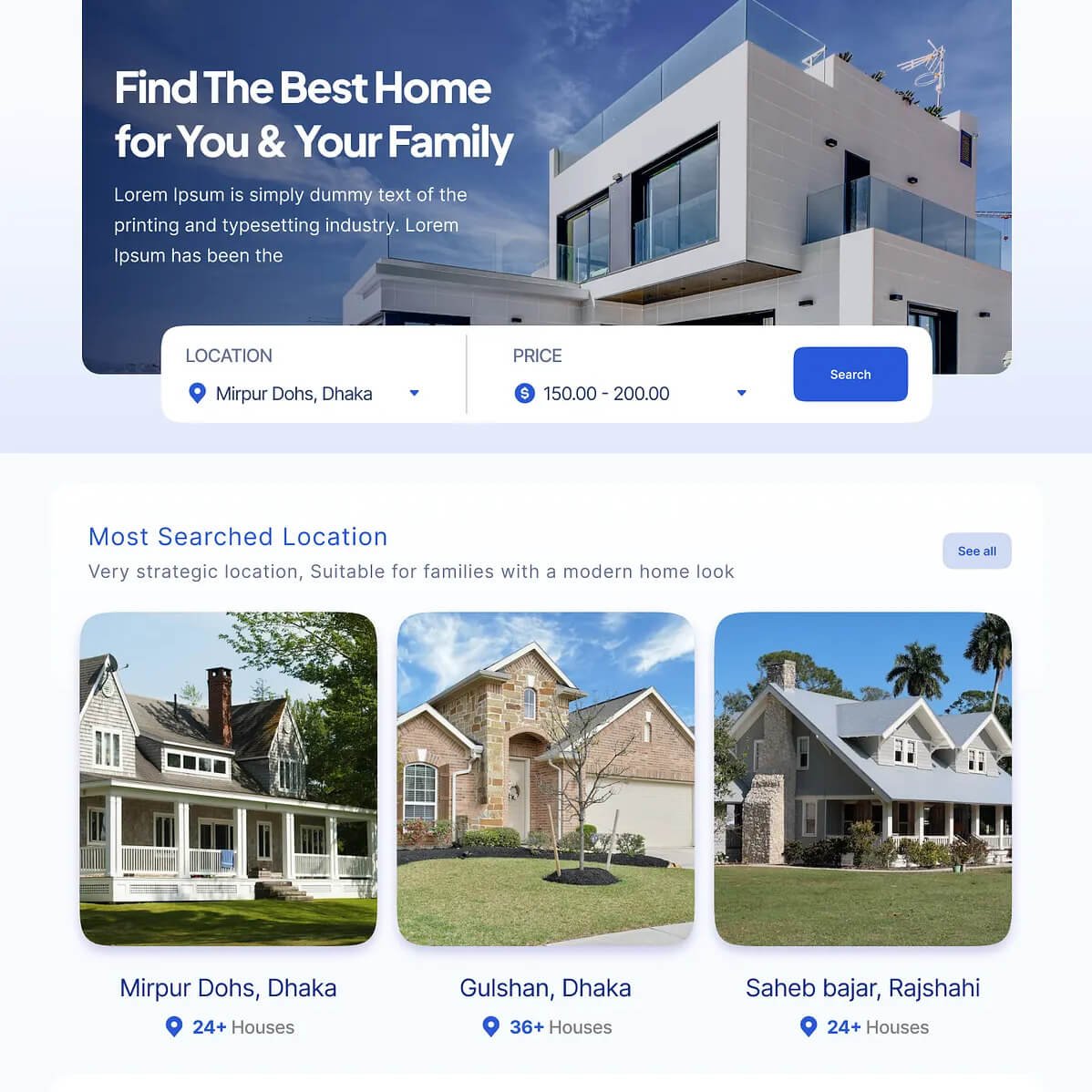
Real-estate Website
You will learn how to develop a real estate website using WordPress, including adding property listings, search and filter options, image galleries, maps integration, and inquiry forms to attract potential buyers.
Educational Website
You will learn how to build an educational website using WordPress, including setting up courses, lessons, student registrations, quizzes, and integrating LMS plugins for seamless online learning.
Mastering WordPress to build 4 type of websites.
Tools You Will Learn
Website Development Tools

WordPress
Build and manage complete websites without heavy coding
Divi
Drag-and-drop page builder to design responsive websites visually
WooCommerce
Create and manage online stores, products, payments, and orders
AI Tools for Website Creation
ChatGPT
Generate website content, code snippets, FAQs, and blog posts
Divi AI
Generate layouts, images, and website content directly inside Divi
Midjourney
Create website hero images and backgrounds
DALL·E
Generate illustrations and graphics for websites
UI / Design Tools
Canva
Create banners, social graphics, and website visuals
Figma
Design website mockups, layouts, and UI components
Web Development Support Tools
GitHub Copilot
Help write and suggest HTML, CSS, and JavaScript code
Codeium
Free AI coding assistant for developers
Benefits with this course
Industry-recognized Course completion Certification
60 Hrs of Live Session and Mentoring
1 Year Support
Internship and Job Assistance
- E-commerce Website
- Real Estate Website
- E-learning Website
You will learn how to build these 4 types of websites.
1. E-Commerce Websites
Description: Websites designed for selling products or services online.
Examples:
• Shopping websites for clothes, electronics, or groceries
• Subscription services like beauty boxes or fitness plans
• Digital product stores like eBooks or courses
2. Business/Corporate Websites
Description: Professional websites to represent businesses.
Examples:
• Websites for technology companies
• Financial services platforms
• Consulting firm websites
3. Educational Websites
Description: Websites for online courses, training, or schools.
Examples:
• eLearning platforms like Udemy
• Coaching websites
• School or university portals
4. Real Estate Websites
Description: Websites to showcase properties for sale, rent, or lease.
Examples:
• Real estate agency websites
• Individual realtor portfolio sites
• Property listing platforms
Syllabus
Module 1: Introduction to Web Design Fundamentals (6 Hours)
Web Design Fundamentals (2 Hours)
- Grid Systems
- Visual Hierarchy and Composition
- Color Theory and Typography Basics
Design for Responsiveness (2 Hours)
- Mobile-First Design Approach
- Breakpoints and Media Queries
- Adapting Layouts for Different Devices
Prototyping Tools Overview (1 Hour)
-
Introduction to tools: Figma
-
Creating a basic wireframe or layout
Module 2: WordPress Basics (8 Hours)
Setting Up WordPress (2 Hours)
- Installing WordPress on Server
- Installing WordPress on Localhost
- Dashboard Overview
Themes and Customization (2 Hours)
- Choosing and Installing
- Theme Customization Options
Plugins Overview (1 Hour)
- What are Plugins?
- Must-Have Plugins for a WordPress Website
Pages and Posts (1 Hour)
- Creating and Editing Pages/Posts
- Understanding Categories and Tags
Basic Security and Backups (1 Hour)
- Essential Security Practices
- Installing Backup Plugins
Module 3: Advanced WordPress Features (6 Hours)
Customizing with Page Builders (2 Hours)
- Introduction to DIVI Theme Builder
- Building Layouts with Drag-and-Drop Builders
Customizing Menus and Widgets (1 Hour)
- Creating Custom Menus
- Using Widgets Effectively
SEO and Performance Optimization (2 Hours)
- Installing and Configuring Yoast SEO
- Speed Optimization: Cache Plugins and Image Compression
Forms and Interactivity (1 Hour)
- Using Contact Form Plugins
- Embedding Maps, Videos, and More
Module 4: WooCommerce Site Building (8 Hours)
Introduction to WooCommerce (1 Hour)
- What is WooCommerce?
- Installing WooCommerce Plugin
Setting Up an Online Store (2 Hours)
- Adding Products, Categories, and Tags
- Configuring Taxes, Shipping, and Payment Gateways
Customizing the Storefront (2 Hours)
- Storefront Theme Customization
- Creating Product Pages with Elementor
Managing Orders and Customers (1 Hour)
- Processing Orders
- Customer Management
Adding Features to WooCommerce (2 Hours)
- Setting Up Coupons and Discounts
- Extensions for WooCommerce (Subscriptions, Bookings, etc.)
Module 5: Project-Based Learning (6 Hours)
Building a Portfolio Website (3 Hours)
- Creating a fully responsive website with pages like About, Services, Blog, and Contact
- Design and Layout Implementation
Building an E-commerce Website (3 Hours)
- Creating a complete WooCommerce-powered store
- Configuring all features learned in previous modules
Module 6: Final Assessment and Career Guidance (2 Hours)
Project Presentation (1 Hour)
- Project Presentation (1 Hour)
Career Guidance (1 Hour)
- Freelancing on platforms like Upwork/Fiverr
- Preparing a WordPress Developer Portfolio
Additional FREE Module: AI for Web Design & Graphics
Create Webpages in less than 45secs using AI tools.
AI for Image Generation and Model Photography
AI for Website Content & Ideas
-
ChatGPT – generate website copy, blog posts, FAQs, and code snippets.
-
Jasper AI – marketing copy, landing pages.
-
Copy.ai – product descriptions and CTA text.
AI for Web Design & UI
-
Figma – AI plugins and design automation.
-
Uizard – converts sketches to UI prototypes.
-
Galileo AI – generates UI screens from prompts.
AI for Images & Graphics
- Midjourney – high-quality creative images.
- DALL·E – create illustrations and edit images with prompts.
- Canva – AI banners, thumbnails, logos.
AI for Coding & Development
-
GitHub Copilot – autocomplete and code suggestions.
-
OpenAI Codex – writes and fixes code automatically.
-
Codeium – free coding assistant.
AI Tools for WordPress
- Divi AI – generates layouts, text, and images inside Divi.
- Elementor AI – generates sections and content.
- 10Web AI Builder – builds full websites automatically.
AI Tools for WordPress
- Divi AI – generates layouts, text, and images inside Divi.
- Elementor AI – generates sections and content.
- 10Web AI Builder – builds full websites automatically.
AI Website Generators (Future of Web Design)
-
Framer
-
Mobirise
-
Div-idy – creates full websites from prompts.
Benefits with this course
Industry-recognized Course completion Certification
60 Hrs of Live Session and Mentoring
1 Year Support
Internship and Job Assistance
- E-commerce Website
- Real Estate Website
- E-learning Website
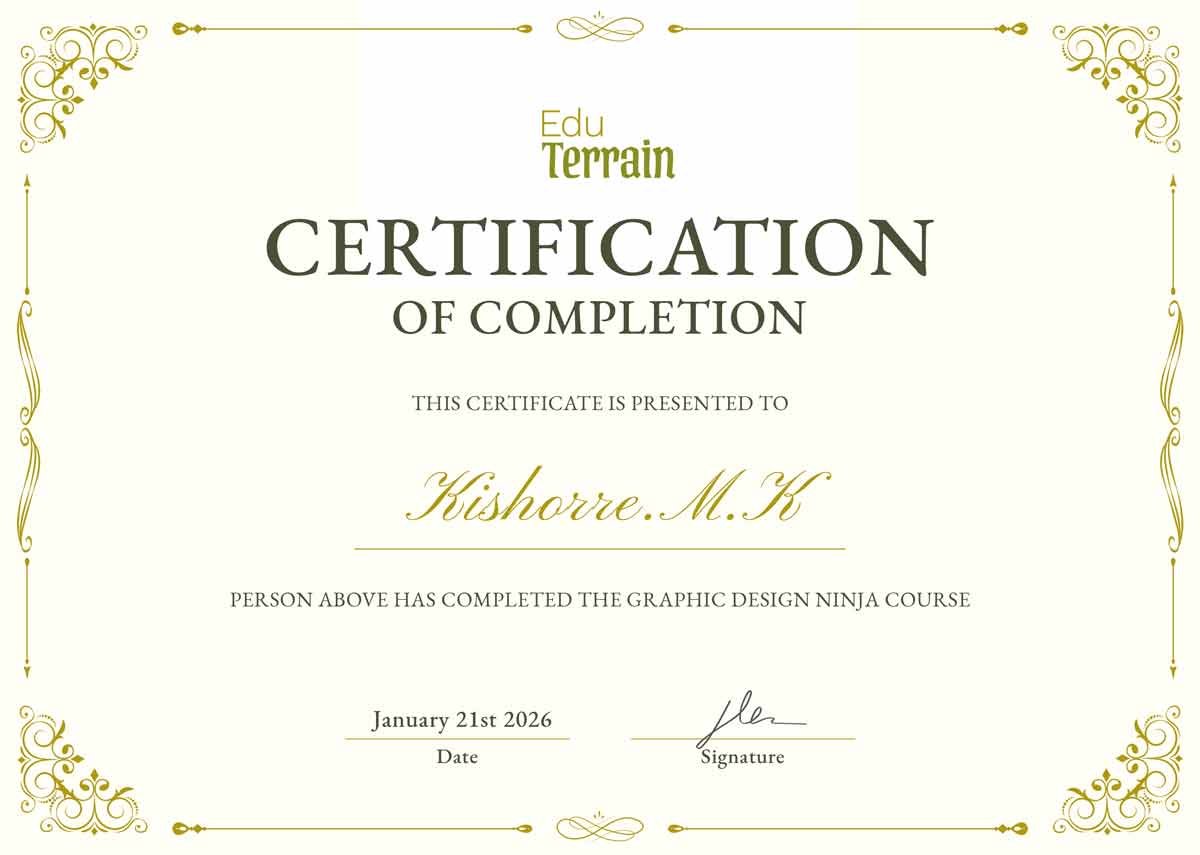
Certification
You will learn how to build these 4 types of websites.
1. E-Commerce Websites
Description: Websites designed for selling products or services online.
Examples:
• Shopping websites for clothes, electronics, or groceries
• Subscription services like beauty boxes or fitness plans
• Digital product stores like eBooks or courses
2. Business/Corporate Websites
Description: Professional websites to represent businesses.
Examples:
• Websites for technology companies
• Financial services platforms
• Consulting firm websites
3. Educational Websites
Description: Websites for online courses, training, or schools.
Examples:
• eLearning platforms like Udemy
• Coaching websites
• School or university portals
4. Real Estate Websites
Description: Websites to showcase properties for sale, rent, or lease.
Examples:
• Real estate agency websites
• Individual realtor portfolio sites
• Property listing platforms
Course Fee
Limited Time Offer
Day(s)
:
Hour(s)
:
Minute(s)
:
Second(s)
Frequently asked questions
1. Do I need any prior experience to join this course?
No. This course is beginner-friendly and designed for students with no prior design experience. We’ll start from the fundamentals and guide you all the way to an advanced level.
2. What educational qualification is required?
You only need a basic understanding of computer operations (like using a browser, mouse, and common software). No specific degree is required.
3. Will I work on real, live projects?
Yes. You’ll work on live client projects during your internship phase, gaining practical experience through TheStratup Agency.
5. Will I receive an internship certificate?
Yes. After completing the internship phase, you’ll receive a verified internship certificate from TheStratup.com, adding value to your resume.
6. Is a course completion certificate provided?
Yes. Upon successfully completing the curriculum, you’ll receive a course completion certificate from EduTerrain.
7. Are the classes conducted online or offline?
Both options are available. You can choose to learn fully online or attend in-class sessions at our Coimbatore location (subject to seat availability).
Launch Yourself Into The Future.