No products in the cart.
Graphic Design Ninja
for Aspiring Graphic Designer
🏁 Outcome: You Will Become a…
✅ Design Sage (Psychology + Principles)
✅ Photoshop Ninja
✅ Illustrator Ninja
✅ Figma Ninja
✅ Web Design Master
✅ Branding and Marketing Design Expert
Course Details
Instructor
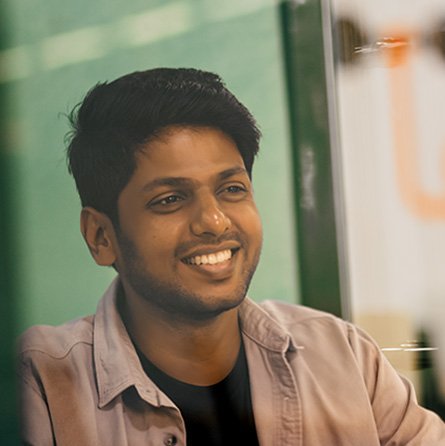
Vishnu Nagarajan
Founder & Senior designer (Web & Branding)
theStratup.com
Training Type
1 : 1 – Special Training
Level
Beginner
Duration
9 Months (210 Hrs – 300Hrs)
Type
In-Class Learning
Meet Your Mentor
Vishnu is a seasoned graphic designer with over 12 years of experience, specializing in web design, branding, and marketing creatives. He brings a strong foundation in visual arts, having completed a 2-year course in Fine Arts, with a focus on drawing and painting.


He founded EduTerrain with a mission to bridge the gap between theory and practice. Unlike traditional platforms that rely on textbook-driven instruction, EduTerrain connects learners with industry-active professionals who are actively working in startups and MNCs on live and advanced projects, along with founders and entrepreneurs who bring hands-on experience and real-world insights directly into the learning environment.
He is the founder of TheStratup Agency, a full-service firm offering branding, web development, and digital marketing solutions.
He also leads Budjet Websites, a sister concern focused on delivering affordable websites and web applications tailored for small-scale industries.
He is also a micro-investor, and currently serves as a major investor in the Bangalore-based fitness startup Physeek Fit—India’s first XR Techogym—which operates out of BHIVE Workspace HSR Campus, the largest coworking campus in the world.
Course Syllabus
Module #1: Foundations of Visual, Graphic & Web Design
Objective: Build deep knowledge of all design fundamentals, principles, and psychology.
📚 Unit 1.1 — Core Fundamentals of Design
- Elements of Design: Line, Shape, Form, Space, Texture, Color, Typography
- Principles of Design: Balance, Contrast, Emphasis, Proportion, Rhythm, Movement, Unity, Hierarchy
- Visual Weight & Flow
- Alignment, Grids & Layout
- Negative Space / White Space
🧠 Unit 1.2 — Design Psychology & Human Perception
- Color Psychology in Branding & UI
- Font Psychology & Readability
- Human Visual Pathways (F-pattern, Z-pattern)
- Emotional Design (Don Norman’s principles)
- Hick’s Law, Fitts’s Law, Miller’s Law
- Von Restorff Effect
- Aesthetic-Usability Effect
- Cognitive Load Theory
🎨 Unit 1.3 — Gestalt Principles (Visual Design Thinking)
- Proximity
- Similarity
- Continuation
- Closure
- Figure-Ground
- Symmetry
- Common Fate
🌐 Unit 1.4 — Fundamentals of Web Design
- Layouts: Fixed, Fluid, Responsive, Adaptive
- Wireframing & Grid Systems (8pt Grid)
- Typography for Web
- Visual Hierarchy in UI
- Conversion-Oriented Design
- Mobile-First Design
- Accessibility in Web Design
- UI Patterns (Cards, Modals, Accordions, Sticky Nav, etc.)
- Navigation Design (Mega Menu, Hamburger, Footer Navigation)
- Micro-interactions
- Design Trends: Neumorphism, Brutalism, Minimalism, Skeuomorphism, etc.
🧓 Unit 1.5 — Principles from Famous Designers
- Dieter Rams’ 10 Principles of Good Design
- Jakob Nielsen’s Usability Heuristics
- Steve Krug’s Web Usability Ideas
- Don Norman’s UX Principles
- Paul Rand’s Branding and Simplicity
- Susan Weinschenk’s 100 Things Every Designer Needs to Know About People
🧩 Unit 1.6 — Logo Design Foundations
- Understanding Brand Identity vs Logo
- Types of Logos: Wordmark, Lettermark, Pictorial, Abstract, Emblem, Mascot, Dynamic
- Logo Grid Systems & Geometry
- Golden Ratio in Logo Design
- Simplicity vs. Complexity in Branding
- Scalability, Contrast & Readability
- Psychology of Shape & Color in Logos
- Case Studies of Iconic Logos (Nike, FedEx, Airbnb, Mastercard, etc.)
- Sketching Techniques & Conceptualization
- Logo Redesign Exercises
Module #2: Web UI Design with Figma & Photoshop
Objective: Teach end-to-end interface design using modern tools and image editing for real-world pages.
🖌️ Unit 2.1 — Figma UI Design
- Frames, Layout Grids & Columns
- Components, Variants & Auto Layout
- Prototyping, Interactions & Smart Animate
- Constraints & Responsive Design
- Styles: Colors, Typography, Grids
- Plugins for UI Speed (e.g., Unsplash, Content Reel, Autoflow)
- Working with Design Tokens
- Design Systems & Brand Kits
- File Organization & Team Collaboration
📷 Unit 2.2 — Photoshop for UI Assets
- Selection Tools (Lasso, Quick Select, Pen Tool)
- Masking (Clipping, Layer Masks)
- Color Correction (Curves, Levels, Hue/Saturation)
- Retouching Tools (Clone Stamp, Healing Brush)
- Smart Objects & Non-Destructive Editing
- Image Optimization & Export for Web
- Lighting Adjustment to match brand tone
- Exporting Images in 1x, 2x, SVG, WebP
🧪 Projects:
- Product Landing Page
- Single Product Page
- Service Page / Agency Home
- Portfolio / Bio Page
- UI Kit & Mini Design System
Module #3: Photoshop Mastery (for Marketing & Beyond)
Objective: Master Photoshop with real-world use cases & tool mastery.
💼 Unit 3.1 — Photoshop Tools (Mastery)
- Marquee, Lasso, Magic Wand, Pen Tool
- Adjustment Layers, Clipping Masks, Layer Styles
- Smart Objects, Smart Filters
- Filters & Effects (Blur, Liquify, Noise, etc.)
- Type Tool (Warp, Transform, Effects)
- Shape Tools
- Action Recording & Batch Processing
- Exporting for Print vs Web
- Color Modes (CMYK, RGB, Lab)
- Guides, Rulers, Slices
🎯 Use Cases & Projects
- Social Media Posters & Ads
- Carousel Designs
- YouTube Thumbnails
- Website Banners
- Campaign Graphics
- Blog Covers
- Print-ready Designs (Brochures, Flyers)
Module #4: Illustrator Mastery (for Branding & Marketing)
Objective: Full Illustrator tool mastery with branding and visual storytelling.
🧰 Unit 4.1 — Illustrator Tools (Complete)
- Pen Tool, Shape Builder, Pathfinder
- Artboards, Layers, Groups
- Gradient Mesh, Patterns, Texture
- Stroke, Fill, Outline
- Appearance Panel & Graphic Styles
- Typography & Type on Path
- Vectorizing Images
- Exporting in SVG, PDF, EPS
🔧 Unit 4.2 — Branding & Illustration Projects
- Logo Design
- Icon Packs
- Infographics
- Typography Posters
- Vector Art
- Mascot & Brand Illustrations
- Brand Identity Kits
Module #6: Digital & Print Marketing Design Mastery
Objective: Train in high-performance designs for marketing, branding, and offline media.
💡 Digital Marketing Design Essentials
- Instagram Posts, Carousels, Reels Cover
- LinkedIn Posts & Banners
- Facebook Ads, Stories
- YouTube Thumbnails & Channel Art
- Google Display Banners
- Email Newsletter Design
- WhatsApp Creatives
🖨️ Print Design
- Pamphlets
- Brochures
- Business Cards
- Posters
- Letterheads
- Event Standees
- Packaging Design
🔁 Brand Consistency
- Using Moodboards & Brand Guidelines
- Creating Style Tiles
- Templates for Reuse
- Adapting Design to Platform Specs
- Color & Type Scaling Across Mediums
📦 Capstone: Build a Professional Portfolio
Objective: Assemble a full portfolio across UI, marketing, branding & traditional media
💡 Projects
- 3 UI Projects (mobile, product, service)
- 5 Marketing Designs (carousel, YouTube, banners)
- 3 Branding Projects (packaging, brand kit)
- 2 Print Media Samples
- Portfolio Presentation (PDF + Behance/Dribbble)
- Case Study Writing
🏁 Outcome: You Will Become a…
✅ Photoshop Ninja
✅ Illustrator Ninja
✅ Design Sage (psychology + principles)
✅ Marketing-Ready Visual Communicator
✅ UI/UX Web Designer
Benefits Worth INR 60,116/- with this course
Adobe Creative Cloud Subscription
Access to 20+ industry-leading Adobe apps (Photoshop, Illustrator, XD, and more)
Worth INR27,116/yr – included for free
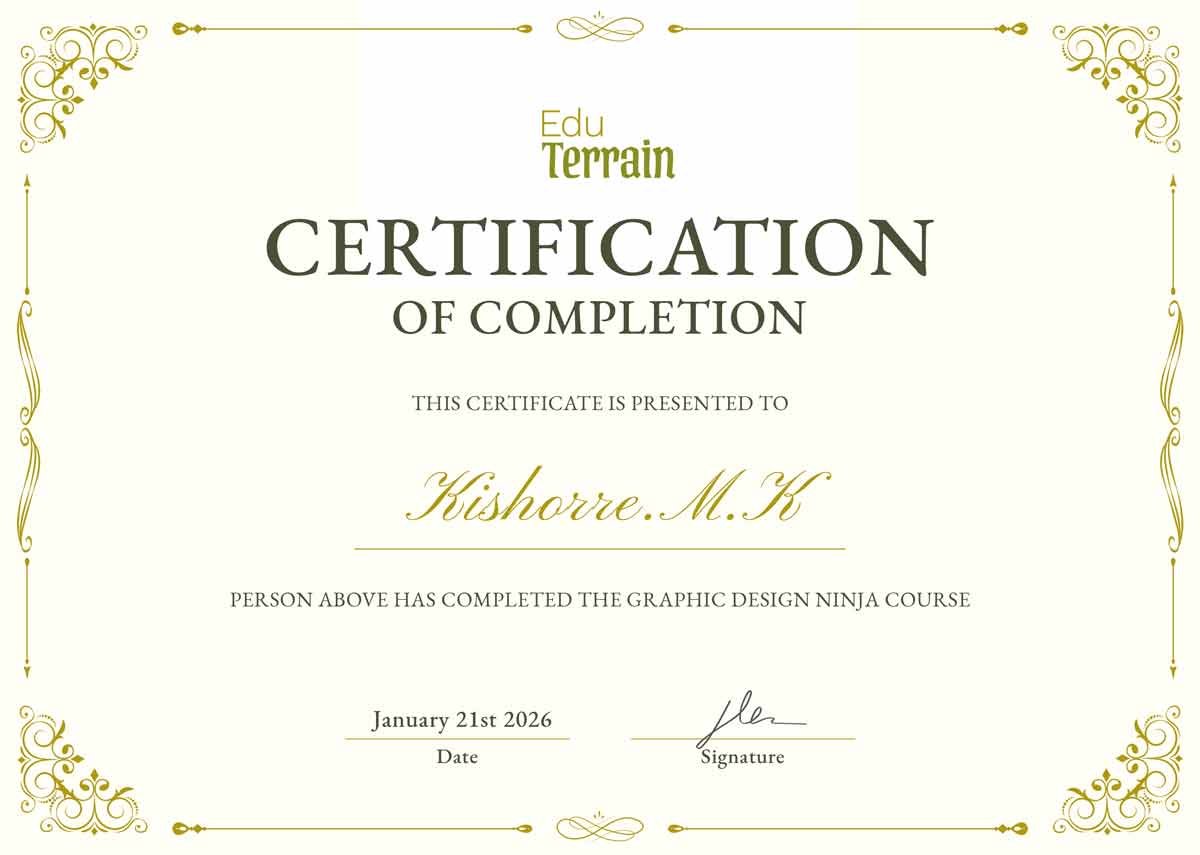
Course Completion Certificate
Issued by EduTerrain upon successful completion of the curriculum
Internship Certificate
Provided by theStratup.com upon completion of assigned real-world projects
Professional Portfolio Website
Custom-designed personal website to showcase your work
Worth INR29,000/year — includes free domain and hosting
Canva Pro Subscription
Full access to Canva Pro for 1 year
Worth INR4,000 — included
5 Years of Career & Freelance Support
Ongoing guidance for job placement, freelance strategy, and skill upgrades
Certification
🎯 My Mission: Make You Interview-Ready & Irresistible
Every year, the competition for creative jobs is getting tougher.
Graduates are no longer just holding degrees—they’re completing mini PG programs, collecting certifications, building online portfolios, and stacking internships even before finishing college.
My mission is simple:
To equip students—especially from Tier 2 and Tier 3 cities—with the tools, experience, and mentorship to become extraordinary candidates during the job hunt after their UG/PG.
I’m not just teaching design.
I’m helping you build a career strategy, develop a job-ready portfolio, and earn credentials that get noticed.
Whether you’re aiming to:
• Land your first job
• Start freelancing
• Or even launch your own creative brand
I’ll mentor you through it—long after the course ends.
This is more than a course.
This is your edge in the job market.
Requirements
- Laptop or Desktop
- Decent Internet connection
- Dedicated space without noise and disturbance.
Frequently asked questions
1. Do I need any prior experience to join this course?
No. This course is beginner-friendly and designed for students with no prior design experience. We’ll start from the fundamentals and guide you all the way to an advanced level.
2. What educational qualification is required?
You only need a basic understanding of computer operations (like using a browser, mouse, and common software). No specific degree is required.
3. Will I work on real, live projects?
Yes. You’ll work on live client projects during your internship phase, gaining practical experience through TheStratup Agency.
4. Will I get a free portfolio website?
Yes. A professionally designed portfolio website with a custom domain and hosting (worth ₹10,000/year) is included to help you showcase your work to employers and clients.
5. Will I receive an internship certificate?
Yes. After completing the internship phase, you’ll receive a verified internship certificate from TheStratup.com, adding value to your resume.
6. Is a course completion certificate provided?
Yes. Upon successfully completing the curriculum, you’ll receive a course completion certificate from EduTerrain.
7. Are the classes conducted online or offline?
Both options are available. You can choose to learn fully online or attend in-class sessions at our Coimbatore location (subject to seat availability).
8. Both options are available. You can choose to learn fully online or attend in-class sessions at our Coimbatore location (subject to seat availability).
Yes. You will get full access to:
Adobe Creative Cloud (20+ apps worth ₹27,116/year)
Canva Pro (1 year worth ₹4,000)
These are included with the course—no extra charges.
9. Do you offer career or freelance support after the course?
Yes. You’ll receive 5 years of ongoing support which includes:
Freelancing guidance
Career counseling
Resume/portfolio reviews
Opportunities through our industry network
Course Fee
Regular Price:
INR 2,25,430/-
Limited Time Offer Price:
INR 79,000/-
Limited Time Offer
Day(s)
:
Hour(s)
:
Minute(s)
:
Second(s)
Launch Yourself Into The Future.
Start your career as a Freelancer or Business owner.